Article contents
.png&w=3840&q=75)
Still managing vendor risk in Excel? This guide compares the top TPRM software of 2025, and shows why Swiss-built Supplier Shield is the go-to choice for lean teams ready to scale.
Why Excel becomes a liability for third-party risk
Excel may work for vendor tracking at first. It’s cheap, flexible, and familiar. But as your business grows, spreadsheets become a serious risk.
Manual processes can’t scale. You lose time chasing updates, managing inconsistent formats, and keeping everyone aligned. More importantly, you lose control. There’s no real-time monitoring, no audit trail, and no way to ensure compliance with standards like NIS2 or ISO 27001.
Companies often don’t switch because “Excel still works.” But that comfort hides costs:
- Missed updates from vendors
- Gaps in compliance reporting
- Time lost copying and pasting risk assessments
Once these risks add up, a dedicated third-party risk management (TPRM) software becomes a necessity, not a luxury.
What third-party risk management software should actually do
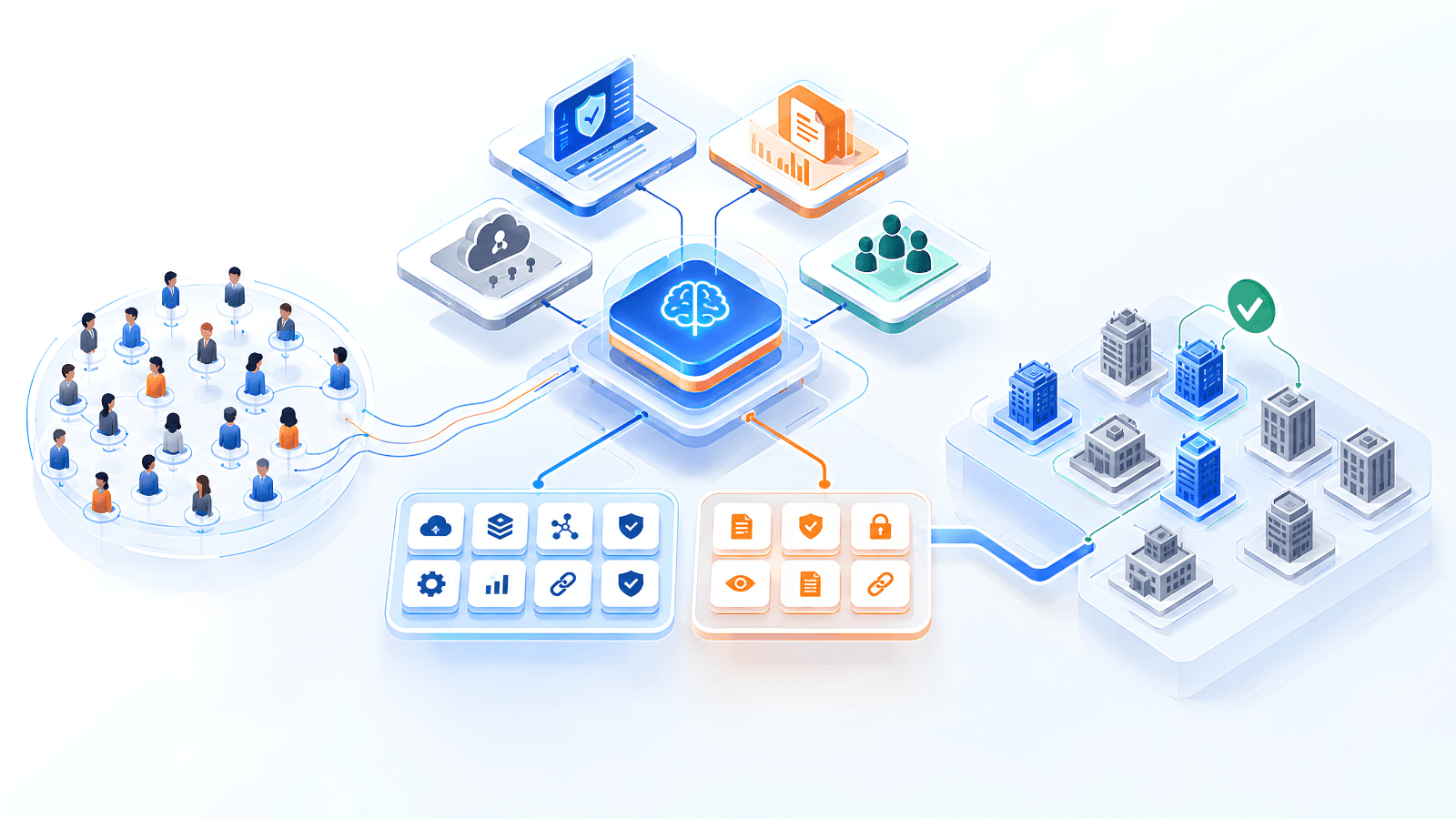
TPRM software helps you centralize, automate, and scale your vendor risk processes. But not all tools are created equal.
Look for solutions that:
1. Replace manual busywork with automation
Automated reminders, real-time monitoring, and built-in workflows save hours every week.
2. Make risk accessible to everyone
Procurement, IT, and compliance teams should all use the same platform. That means intuitive dashboards, not technical setups.
3. Provide actionable insights, not just data
Good software doesn't just show risk scores. It helps you decide what to do next.
4. Fit your team size and budget
Many platforms are designed for large enterprises. If you're an SME, look for tools without bloated features you’ll never use.
Comparing top TPRM tools in 2025
If you’re searching for “third-party risk management software,” here’s how the top players compare:
.png&w=3840&q=75)
Why teams choose Supplier Shield
Supplier Shield was built specifically for businesses moving off spreadsheets, especially those who’ve delayed switching because other tools felt too complex.
Here’s what sets it apart:
Fast Excel import
Get started in minutes by uploading your current risk register. Our import tool recognizes common formats and maps fields automatically.
Built for collaboration
Procurement, IT, and security teams see the same vendor data; no more emailing around version 9.3 of the spreadsheet.
Affordable for SMEs, functional for enterprises
We focus on core features that deliver real value: risk scoring, automation, alerts, and audit logs. No modules to upsell, no long-term contracts.
NIS2 and ISO 27001 coverage included
Our workflows align with major compliance standards out of the box. You can easily show auditors your TPRM process without building from scratch.
When to move from Excel to TPRM software
Wondering if you’ve outgrown Excel? Here are five signs it’s time to upgrade:
- Your vendor list spans more than one sheet or owner
- You spend hours formatting for audits or reports
- You’re managing multiple assessments manually
- There’s no automatic tracking of due diligence renewals
- You can’t see vendor risk in real-time across teams
If you said yes to even two of these, the cost of delay likely outweighs the cost of switching.
See Supplier Shield in action
Switching to a TPRM platform doesn’t need to be hard. Supplier Shield was designed for teams like yours, teams who want less risk, fewer headaches, and more clarity.
Book a demo, and we’ll show you how Supplier Shield can replace Excel.
Frequently Asked Questions
What is third-party risk management software?
TPRM software helps businesses assess, monitor, and reduce the risk posed by external vendors and service providers. It centralizes documentation, automates due diligence, and ensures compliance with standards like NIS2 and ISO 27001.
How is TPRM software different from a spreadsheet?
Unlike Excel, TPRM software provides real-time tracking, role-based access, automated reminders, risk scoring, and audit-ready reporting. It scales with your business and reduces manual errors.
Is Supplier Shield only for small companies?
No. While we’re optimized for SMEs and teams replacing Excel, larger enterprises also use Supplier Shield to streamline their vendor risk programs and avoid the complexity of traditional GRC platforms.
What industries use Supplier Shield?
We support manufacturing, finance, energy, health tech, and critical infrastructure, especially where compliance and procurement must work together.
Can I import my current vendor data from Excel?
Yes. Our onboarding includes a simple importer that maps your fields to our system. No IT support required.
Want this applied to your supplier ecosystem? See the platform in action and map your top vendor risks live in one walkthrough.